Best Free JSON Formatter to Beautify and Validate JSON
Learn how to format, validate, and minify JSON with ease. Discover common JSON errors, debugging tips, and how a JSON formatter can save developers hours of troubleshooting.
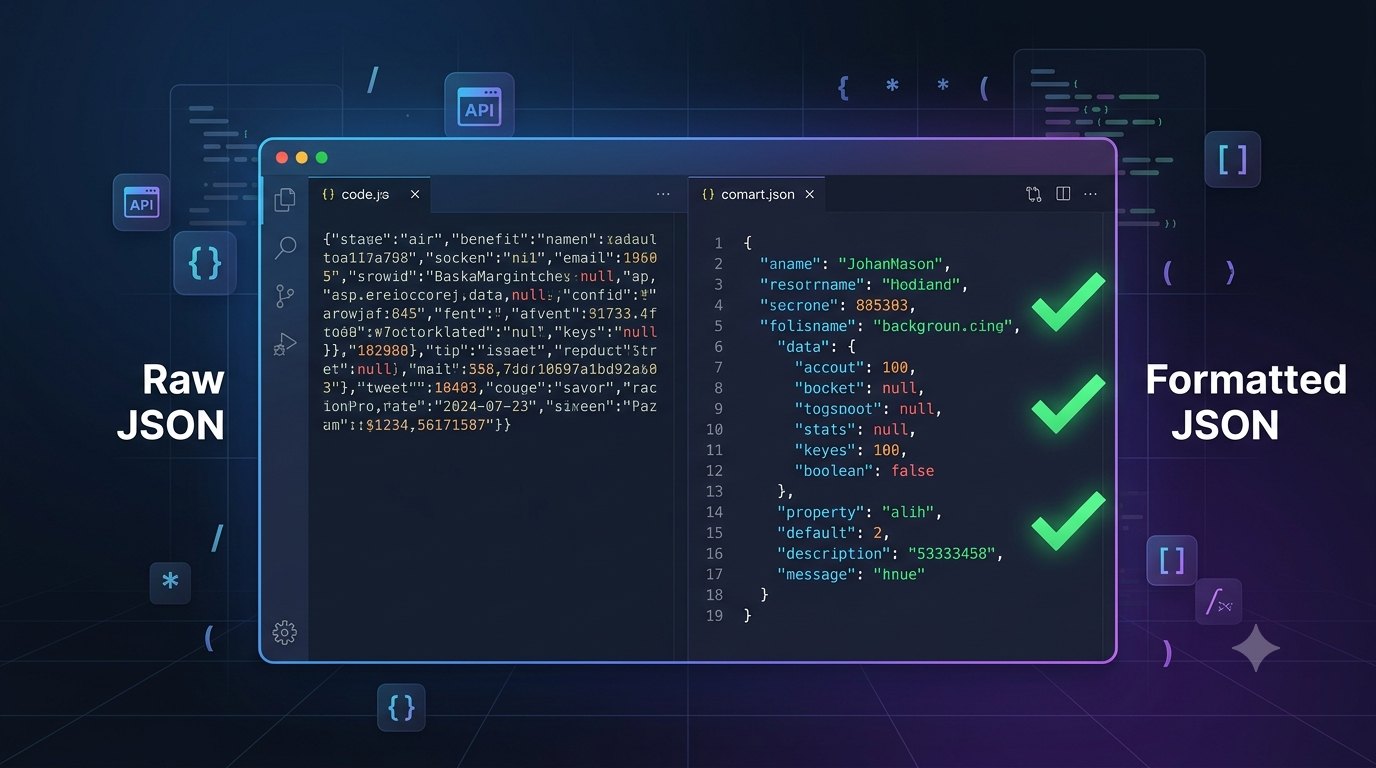
If you've worked with APIs, configuration files, or web applications, you've probably encountered JSON. It's one of the most widely used data formats on the web, powering everything from REST APIs to mobile apps and cloud services.
But anyone who's copied JSON from an API response or edited a large JSON file knows how frustrating it can be. One missing comma, an extra bracket, or an incorrect quote is enough to break the entire document.
That's where a JSON Formatter becomes an essential tool. Instead of manually searching through hundreds of lines, you can instantly format, validate, and identify syntax errors before they become bigger problems.
In this guide, we'll explore what JSON is, why formatting matters, common mistakes developers make, and how a JSON formatter can make debugging much easier.
What Is JSON?
JSON stands for JavaScript Object Notation. Despite its name, it's not limited to JavaScript. Today, almost every programming language supports JSON because it's lightweight, human-readable, and easy for computers to parse.
A simple JSON object looks like this:
{
"name": "John",
"role": "Developer",
"skills": ["JavaScript", "Python", "React"]
}
You'll find JSON in:
REST APIs
GraphQL responses
Configuration files
Mobile applications
Web applications
NoSQL databases
AI APIs
Because it's everywhere, understanding JSON is a fundamental skill for developers.
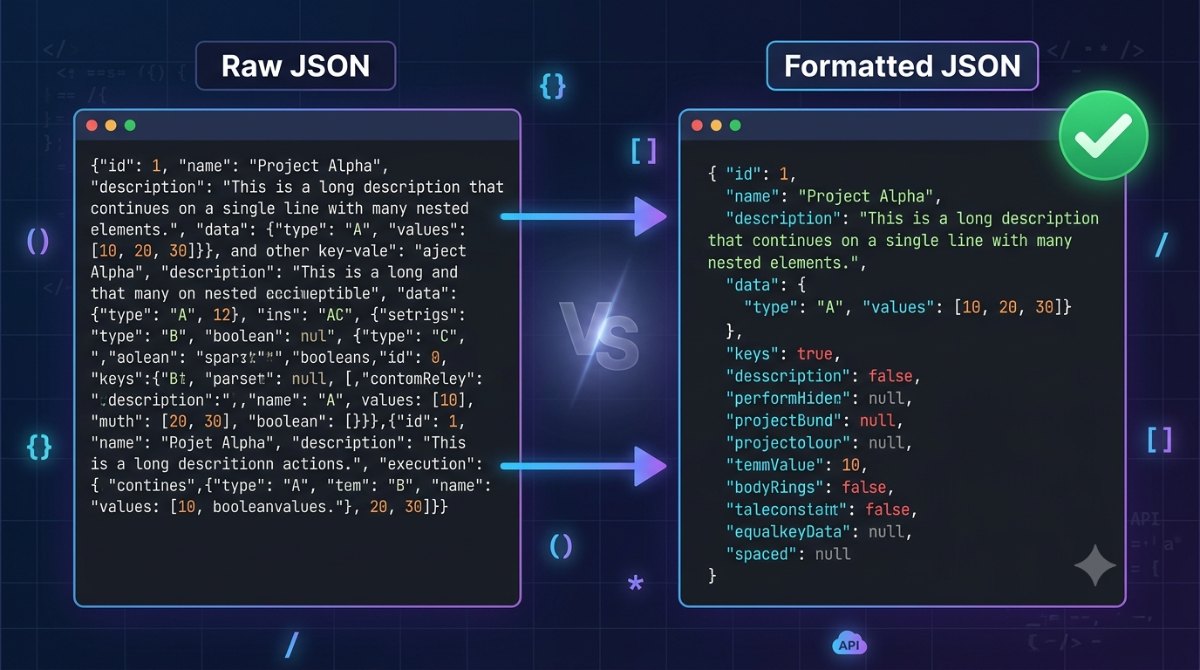
Why Formatting JSON Matters
While computers can read minified JSON without any issues, humans cannot.
Imagine debugging a single-line JSON response containing hundreds of properties. Finding one missing comma could take several minutes or even longer.
Formatting JSON improves readability by:
Indenting nested objects
Aligning arrays
Making keys easier to scan
Revealing structural problems quickly
The result is cleaner code that's easier to review, debug, and maintain.
Common JSON Errors Developers Face
Even experienced developers make mistakes when editing JSON manually.
Some of the most common errors include:
Missing Commas
{
  "name": "John"
  "age": 25
}
Extra Trailing Commas
{
  "name": "John",
}
Unmatched Brackets
{
  "user": {
    "name": "John"
Double Quotes vs Single Quotes
JSON requires double quotes for both keys and string values.
Incorrect:
'name': 'John'Correct:
{
  "name": "John"
}
These small mistakes often produce confusing parser errors, especially in larger files.
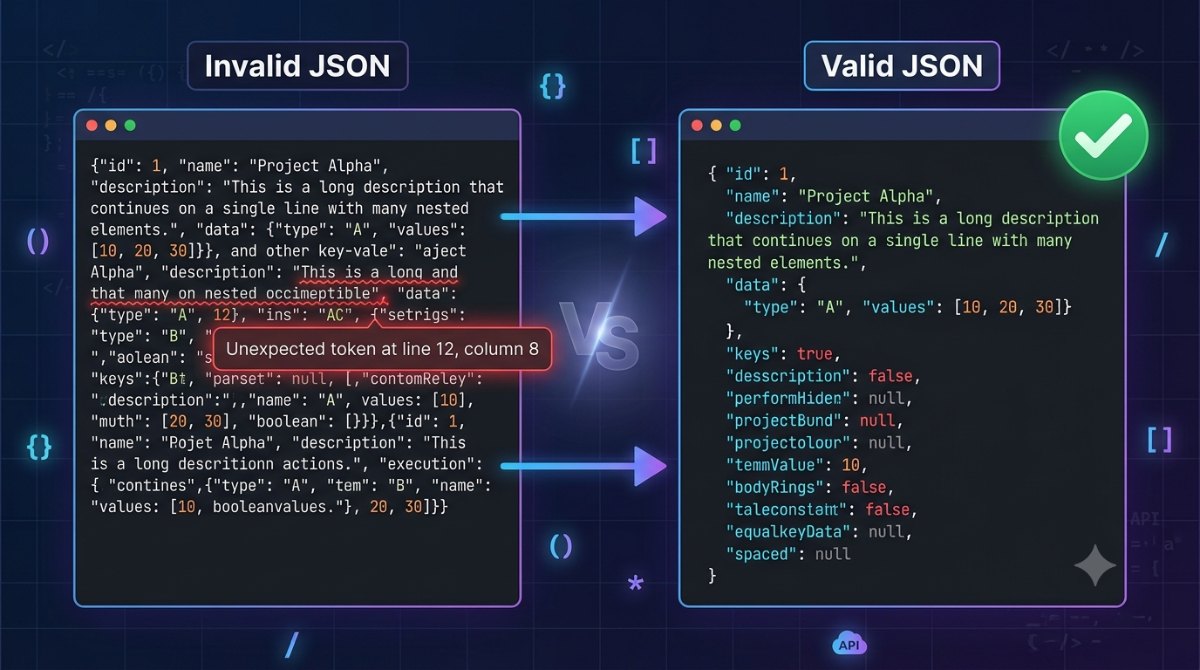
Beautify vs Minify JSON
A good JSON Formatter usually provides two important options.
Beautify
Beautifying adds indentation and line breaks, making JSON easy to read while debugging or reviewing data.
It's ideal for:
Development
Debugging
Learning JSON
Code reviews
Minify
Minifying removes unnecessary spaces and line breaks, reducing file size without changing the data.
It's commonly used in:
Production environments
API responses
Data transfer
Performance optimization
Being able to switch between both formats saves time depending on what you're trying to accomplish.
Fix Errors Faster with a JSON Formatter
Instead of manually counting brackets or searching for syntax mistakes, a dedicated formatter validates your JSON instantly.
With Synctoolo's JSON Formatter, you can:
Beautify JSON with proper indentation
Minify JSON for production use
Validate syntax instantly
Identify the exact line and column where errors occur
Copy the formatted output with one click
Whether you're debugging an API response or editing a configuration file, the tool helps you resolve issues in seconds instead of minutes.
Real-World Example
Imagine you're integrating a payment gateway into your application. The API suddenly returns an error saying:
Unexpected token in JSON
Instead of scanning hundreds of characters manually, you paste the response into a JSON Formatter.
Within seconds, the formatter highlights:
Line 24, Column 17
You notice a missing comma, fix it, validate again, and continue development without wasting time.
This is why many developers keep a JSON Formatter bookmarked.
One Last Tip
A JSON Formatter isn't just a convenience it's a productivity tool. Clean, validated JSON makes debugging faster, collaboration easier, and development less frustrating.
Whether you're building APIs, consuming third-party services, or working with configuration files, formatting and validating JSON should be part of your everyday workflow.
If you regularly work with JSON, using a formatter that highlights syntax errors and supports both beautifying and minifying can save you countless hours over the course of a project.
🔥 Try the free JSON Formatter and make your JSON clean, readable, and error-free.
We build and review free, privacy-first tools at Synctoolo.
Keep reading

Learn how to create clean, readable, SEO-friendly URL slugs from titles and sentences. Discover why URL structure matters and how a free slug generator can save time.
Use a free online Case Converter to change text to UPPERCASE, lowercase, Title Case, Sentence case, camelCase, PascalCase, snake_case, and kebab-case instantly.