How to Write Better YouTube Descriptions (Free AI Generator)
Learn how to write YouTube descriptions that improve search rankings, increase views, and help viewers take action. Discover proven SEO tips and generate optimized descriptions with AI in seconds.
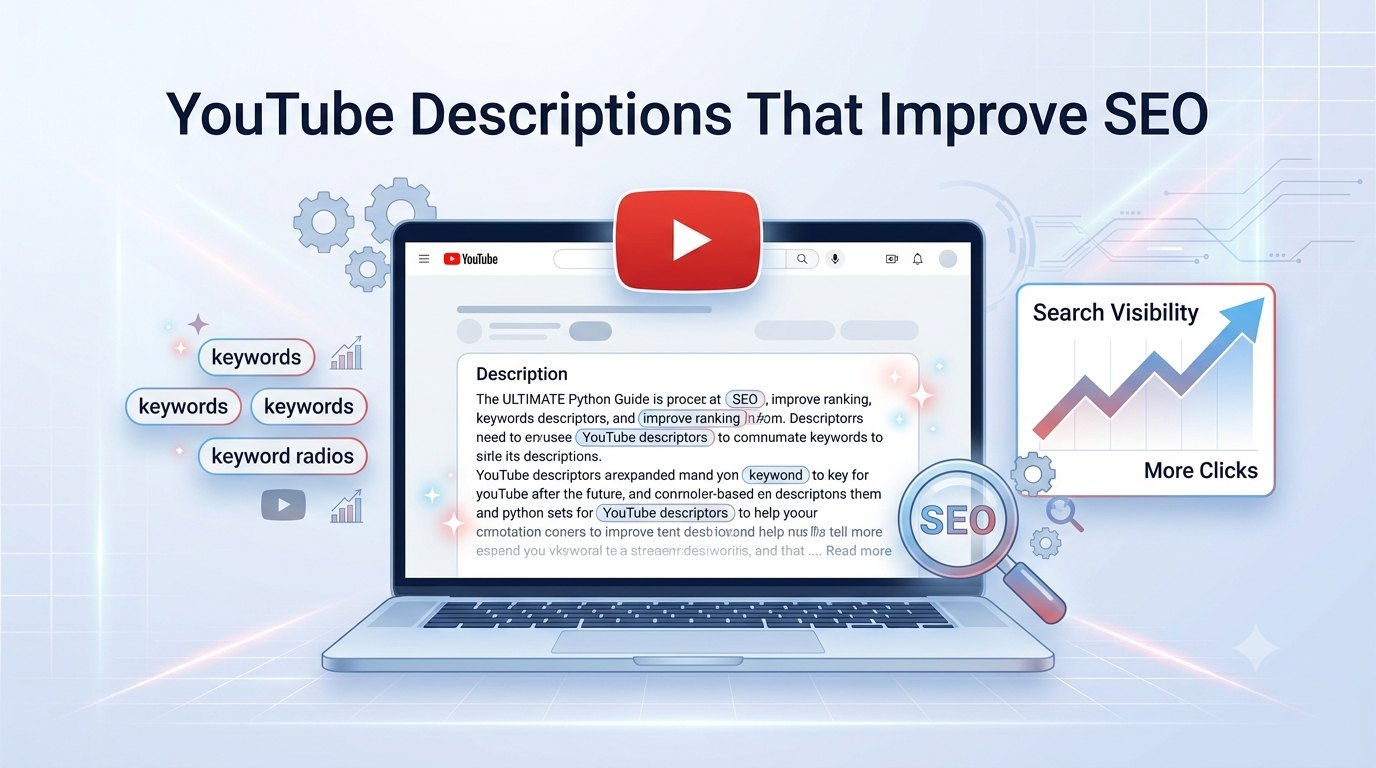
Many creators spend hours perfecting their videos and thumbnails but overlook one important element the YouTube description.
A well-written description does much more than summarize your video. It helps YouTube understand your content, gives viewers useful information, improves discoverability, and encourages actions like subscribing, visiting your website, or watching more videos.
Whether you're creating tutorials, product reviews, educational videos, gaming content, or travel vlogs, a strong description can support your video's performance.
In this guide, you'll learn how YouTube descriptions work, what to include, common mistakes to avoid, and how AI can help you generate optimized descriptions in seconds.
Why YouTube Descriptions Matter
Many creators think descriptions don't affect rankings.
That's not entirely true.
While the title and thumbnail grab attention, the description provides additional context that helps YouTube understand what your video is about.
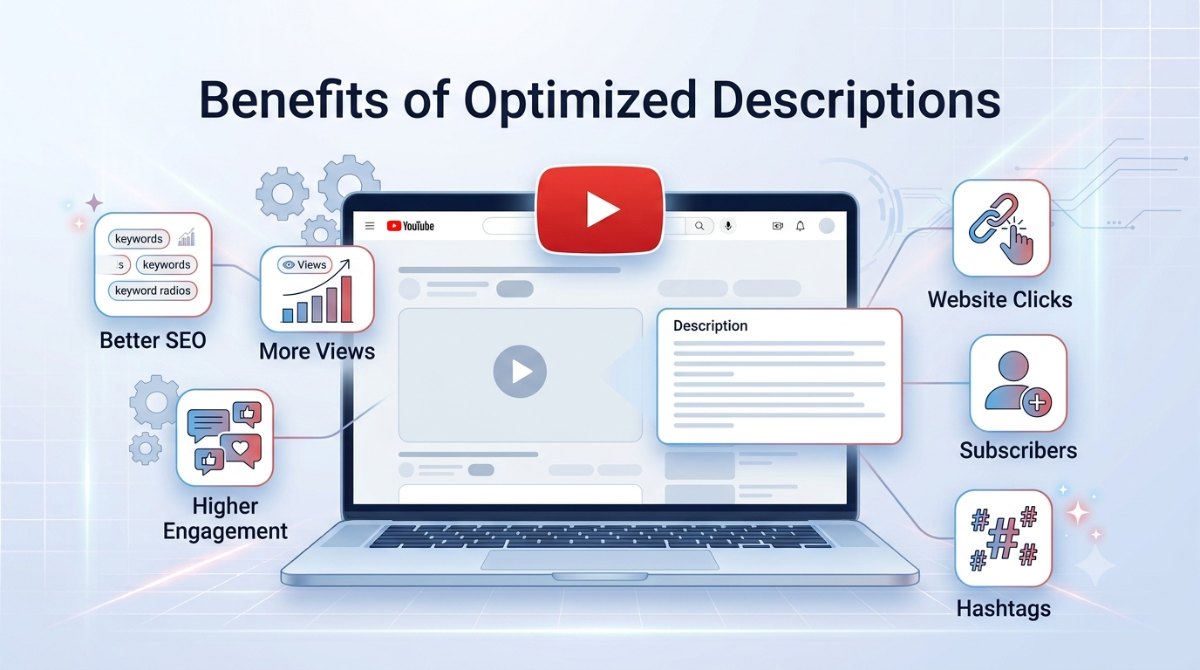
A good description can:
Improve keyword relevance
Help videos appear in search
Increase watch sessions
Drive traffic to your website
Encourage subscribers
Promote products or services
Think of your description as supporting information for both YouTube and your audience.
What Makes a Great YouTube Description?
A high-performing description usually follows a simple structure.
Start With a Strong Hook
The first two lines appear before viewers click Show More, so make them count.
Briefly explain what the video is about and why someone should watch it.
Naturally Include Keywords
Mention your primary topic naturally.
For example, if your video teaches Python, include phrases like:
Python tutorial
Learn Python
Python for beginners
Avoid repeating the same keyword unnaturally.
Expand on the Video
After the introduction, explain what viewers will learn.
Use short paragraphs or bullet points to make the description easier to read.
Add Useful Links
Include links to:
Your website
Related videos
Playlists
Social media
Recommended resources
This keeps viewers engaged with your content.
End With a Call-to-Action
Invite viewers to:
Subscribe
Leave a comment
Like the video
Share it with others
A simple CTA can improve engagement.
Common Mistakes Creators Make
Many descriptions fail because they're too short or provide little value.
Common mistakes include:
Writing only one sentence
Keyword stuffing
Forgetting links
Missing hashtags
No subscribe CTA
Copying the same description for every video
A unique, informative description performs much better.
A Simple YouTube Description Template
You can use this structure for almost any video:
Introduction
Briefly explain the video's purpose.
What You'll Learn
Summarize the main topics covered.
Useful Links
Website, playlists, products, or resources.
Hashtags
Add 3–5 relevant hashtags.
Call-to-Action
Ask viewers to subscribe, like, or comment.
Keeping the structure consistent saves time and creates a professional appearance.
How AI Makes Description Writing Faster
Writing a fresh description for every upload can be repetitive.
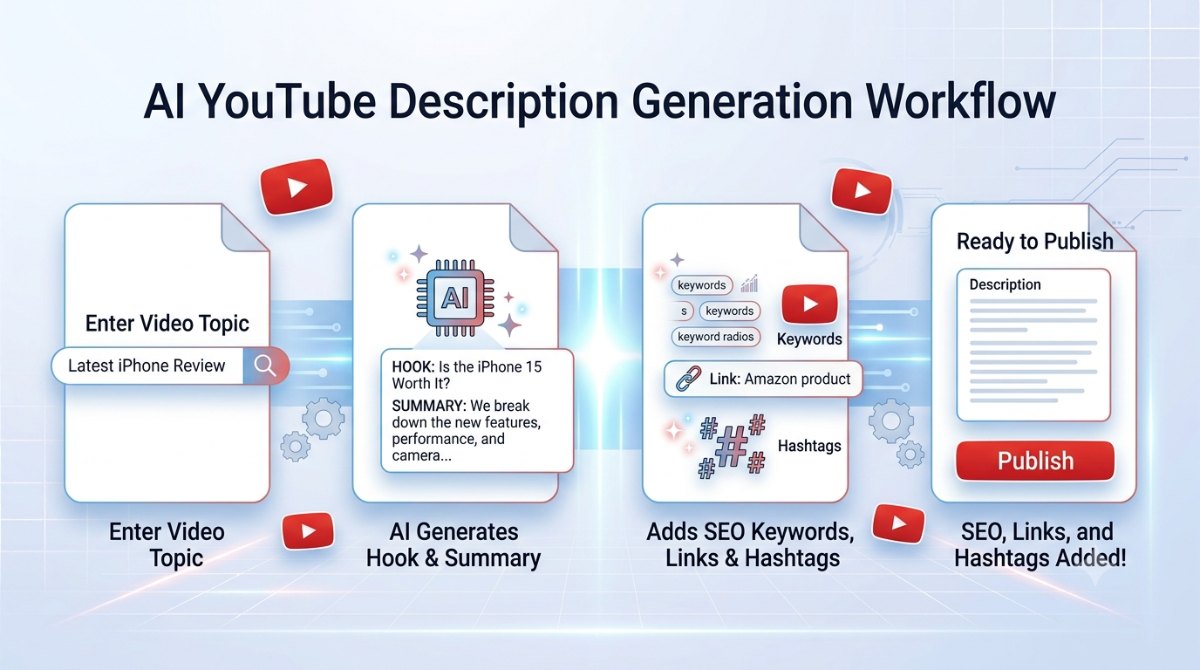
AI helps by generating complete descriptions based on your video's topic.
Instead of starting with a blank page, AI can produce:
An engaging opening hook
A detailed summary
SEO-friendly keywords
Link sections
Relevant hashtags
A subscribe CTA
This allows creators to spend more time producing content instead of writing descriptions.
Generate Better Descriptions with Synctoolo
If you want to create professional YouTube descriptions in seconds, Synctoolo's AI YouTube Description Generator can help.
Simply enter your video's topic, choose your audience and tone, and the tool generates a complete description including:
A compelling opening hook
A detailed video summary
Link section
SEO-friendly hashtags
Subscribe call-to-action
Instead of spending 15–20 minutes writing each description manually, you can generate multiple optimized versions in seconds.
Example
Video Topic
Python Tutorial for Beginners
Instead of writing:
Learn Python in this video.
A better description would explain what viewers will learn, include relevant keywords, provide helpful links, add hashtags, and finish with a clear call-to-action.
The difference isn't just professionalism it also gives YouTube more context about your content.
Final Thoughts
A YouTube description isn't just extra text beneath your video. It's an opportunity to improve discoverability, provide useful information, and encourage viewers to take action.
By writing structured, keyword-focused descriptions that match your content, you'll create a better experience for both viewers and YouTube's algorithm.
If you're looking to speed up the process, AI can generate complete, SEO-friendly descriptions in seconds while maintaining quality and consistency.
📈 Generate clear, engaging YouTube descriptions in just one click.
We build and review free, privacy-first tools at Synctoolo.
Keep reading
Blank pages slow every writer down. Learn how AI helps generate SEO-friendly blog posts faster while keeping your content original, readable, and optimized for search engines.
Reading every word isn't always necessary. Learn how to summarize long content effectively, compare manual vs AI summarization, and preserve the main ideas without losing context.