How to Write Professional Emails Faster with AI (Without Sounding Like a Robot)
Struggling to write emails that sound professional? Learn proven email writing techniques, avoid common mistakes, and use AI to generate polished emails for work, sales, networking, and follow-ups.
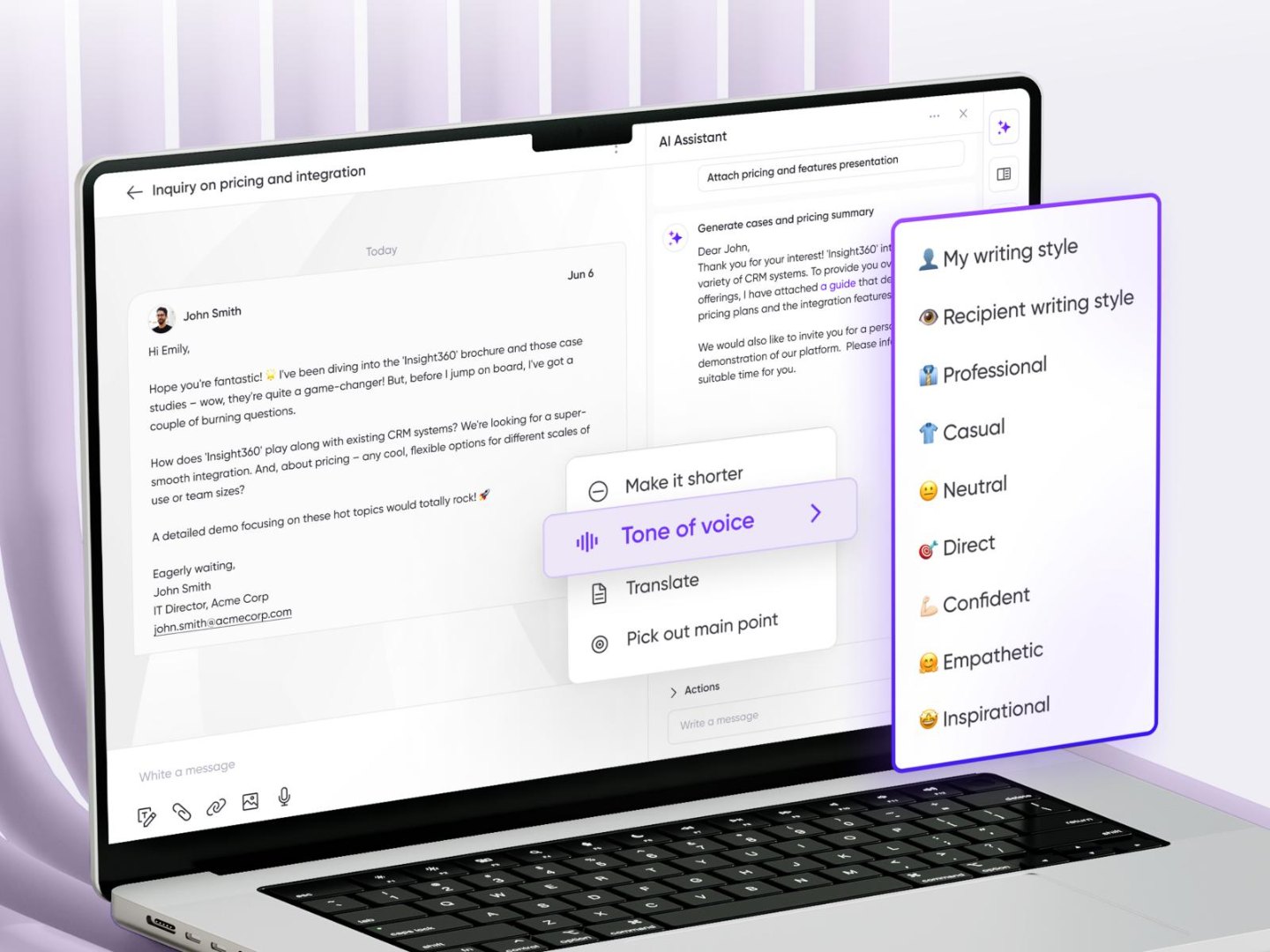
Most emails don't fail because the information is wrong.
They fail because they're unclear.
Think about the last email you spent fifteen minutes rewriting. Maybe you were reaching out to a recruiter, following up after an interview, asking a client for feedback, or introducing yourself to someone new.
You knew what you wanted to say but finding the right words took much longer than expected.
Writing effective emails isn't about using complicated language. It's about communicating clearly, professionally, and confidently.
That's where AI can make a real difference.
Instead of staring at a blank screen, you can start with a simple idea and turn it into a polished email in seconds.
Every Email Has One Job
Many people believe longer emails sound more professional.
In reality, the best emails usually have one clear purpose.
Ask yourself:
Are you requesting a meeting?
Following up?
Applying for a job?
Thanking someone?
Introducing yourself?
Closing a sale?
When your message focuses on one objective, readers understand it immediately.
Before writing anything, decide what action you want the recipient to take.
Everything else should support that goal.
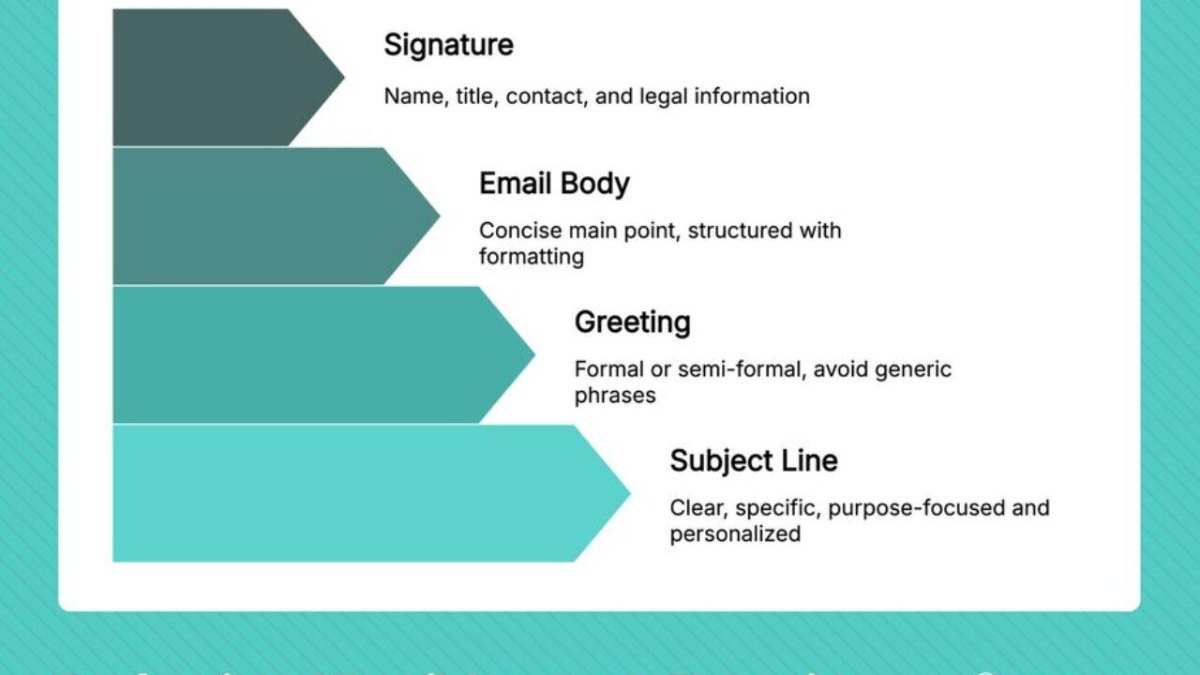
The Biggest Email Mistakes People Make
You've probably received emails like this:
Hi...
Just checking in...
Let me know.
No context.
No purpose.
No clear next step.
These emails often get ignored because the reader has to guess what the sender actually wants.
Some common mistakes include:
Writing paragraphs that are too long
Using vague subject lines
Forgetting a clear call-to-action
Sounding too formal or too casual
Including too much unnecessary information
Ending without explaining the next step
A well-written email respects the reader's time.
Different Situations Need Different Tones
Not every email should sound the same.
Imagine sending this message to your manager:
Hey! What's up? Just wondering if you've checked my report 😄
Now imagine sending this:
Dear Sir,
I humbly request your esteemed attention regarding the aforementioned document...
Neither feels appropriate.
The right tone depends on who you're writing to.
Formal
Ideal for:
Job applications
Client communication
Business proposals
Official requests
Friendly
Perfect for:
Colleagues
Existing clients
Networking
Thank-you emails
Concise
Useful when:
Everyone is busy
Quick updates are enough
Internal communication
Daily work messages
Choosing the right tone often matters just as much as the content itself.
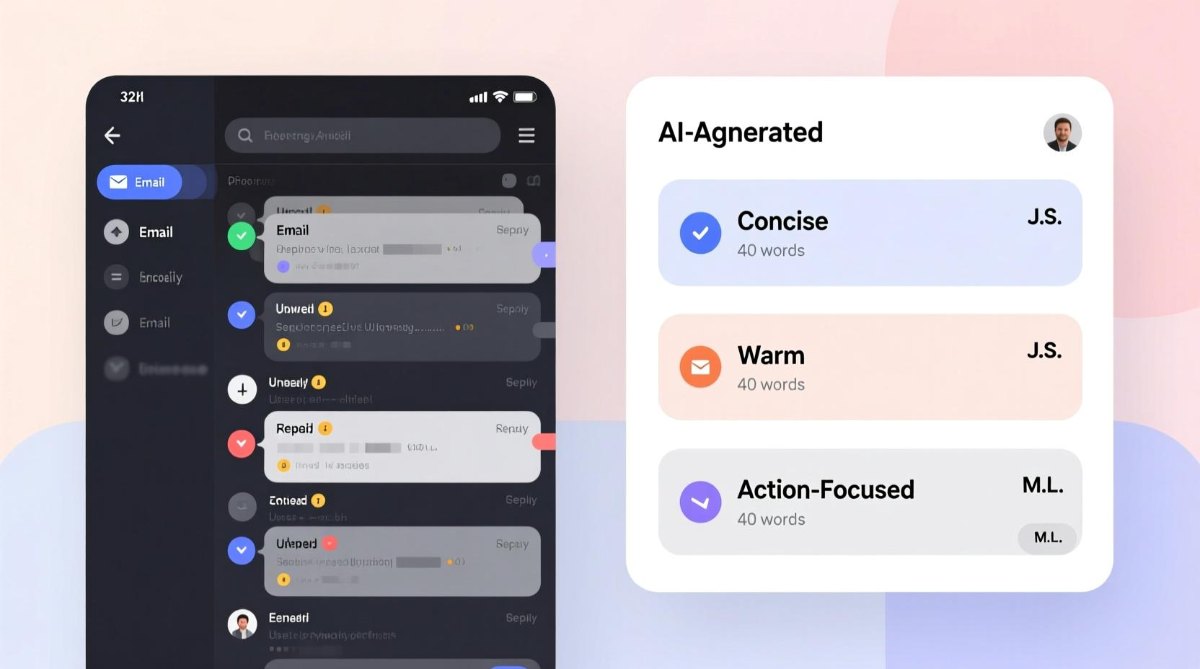
Why AI Is Changing Email Writing
AI doesn't replace your ideas.
It helps you express them more effectively.
Instead of writing every sentence from scratch, you simply provide a short instruction like:
Follow up after yesterday's interview.
or
Thank a client for their purchase.
The AI expands your idea into a complete email that's well-structured, grammatically correct, and easy to read.
Rather than worrying about wording, you can focus on the conversation itself.
Save Time Without Sacrificing Quality
Professionals write dozens of emails every week.
Sales teams.
Recruiters.
Freelancers.
Developers.
Founders.
Customer support agents.
Repeating similar emails over and over wastes valuable time.
AI helps eliminate that repetitive work while keeping your communication consistent.
Instead of editing every sentence manually, you can generate multiple versions and choose the one that fits your situation.
Write Better Emails with Synctoolo's AI Email Writer
Whether you're sending a cold outreach email, following up after a meeting, writing an internal update, or introducing yourself to a potential client, Synctoolo's AI Email Writer helps you create polished emails in seconds.
Simply describe what you want to say in one sentence, then choose the tone that matches your situation:
Formal
Friendly
Concise
The tool instantly generates a complete email that's ready to edit, copy, or send.
Small Improvements, Better Conversations
Every email represents you before you ever speak to the other person.
A clear subject line, the right tone, and a simple call-to-action can make the difference between getting a response and being ignored.
The goal isn't to sound like a robot or write the longest email in someone's inbox. It's to communicate clearly, respect the reader's time, and make it easy for them to respond.
When AI handles the drafting, you spend less time searching for words and more time building meaningful conversations.
We build and review free, privacy-first tools at Synctoolo.
Keep reading
Blank pages slow every writer down. Learn how AI helps generate SEO-friendly blog posts faster while keeping your content original, readable, and optimized for search engines.
Reading every word isn't always necessary. Learn how to summarize long content effectively, compare manual vs AI summarization, and preserve the main ideas without losing context.