How to Convert Time Zones Accurately (Free Time Zone Converter Guide)
Discover how to convert time between countries instantly with a free time zone converter. Learn about UTC, daylight saving time, and meeting scheduling.
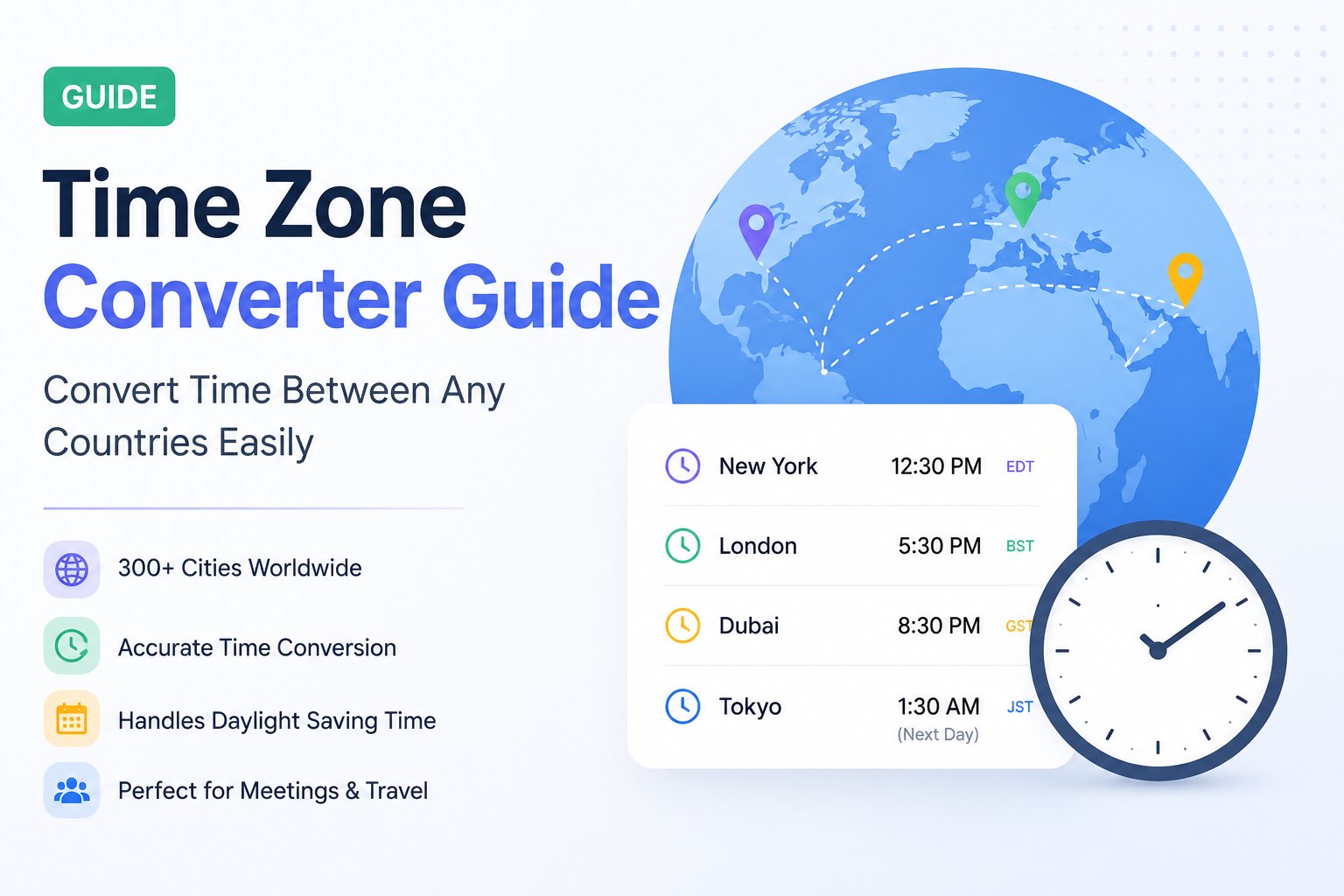
Working with people in different countries has become part of everyday life. Whether you're attending a remote job interview, joining a client meeting, collaborating with an international team, or simply calling friends abroad, one challenge always appears:
"What time is it in their country?"
Many people open Google and search:
12 PM ET to Pakistan
9 AM New York in London
3 PM EST to Dubai
UK time to India
UTC to local time
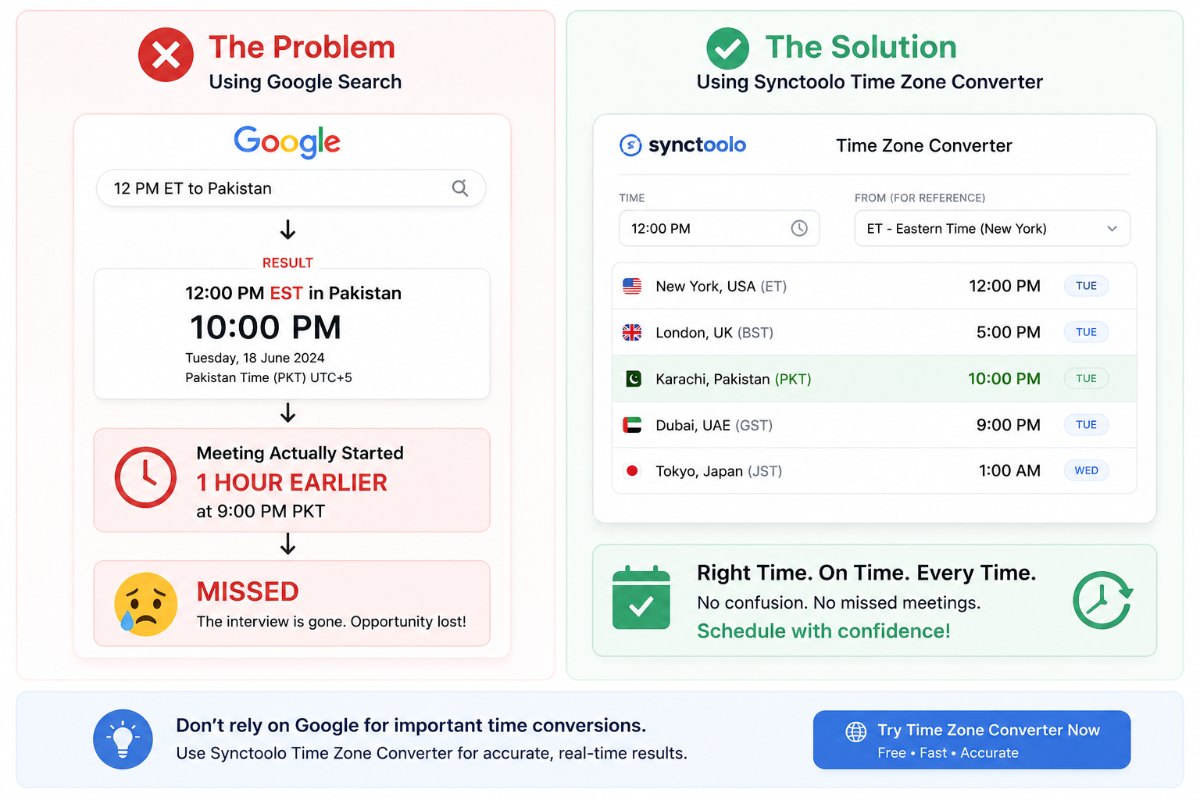
Sometimes Google gives the correct answer. Other times, it shows EST instead of ET, ignores daylight saving time, or displays results that are easy to misunderstand. A single one-hour mistake can cause you to miss an important meeting or interview.
That's why using a dedicated Time Zone Converter is the safest and fastest option. Instead of manually calculating time differences, you can instantly compare multiple cities while daylight saving changes are handled automatically.
👉 Try our free Time Zone Converter to compare time across 300+ cities in seconds.
Why Time Zone Conversion Is So Confusing
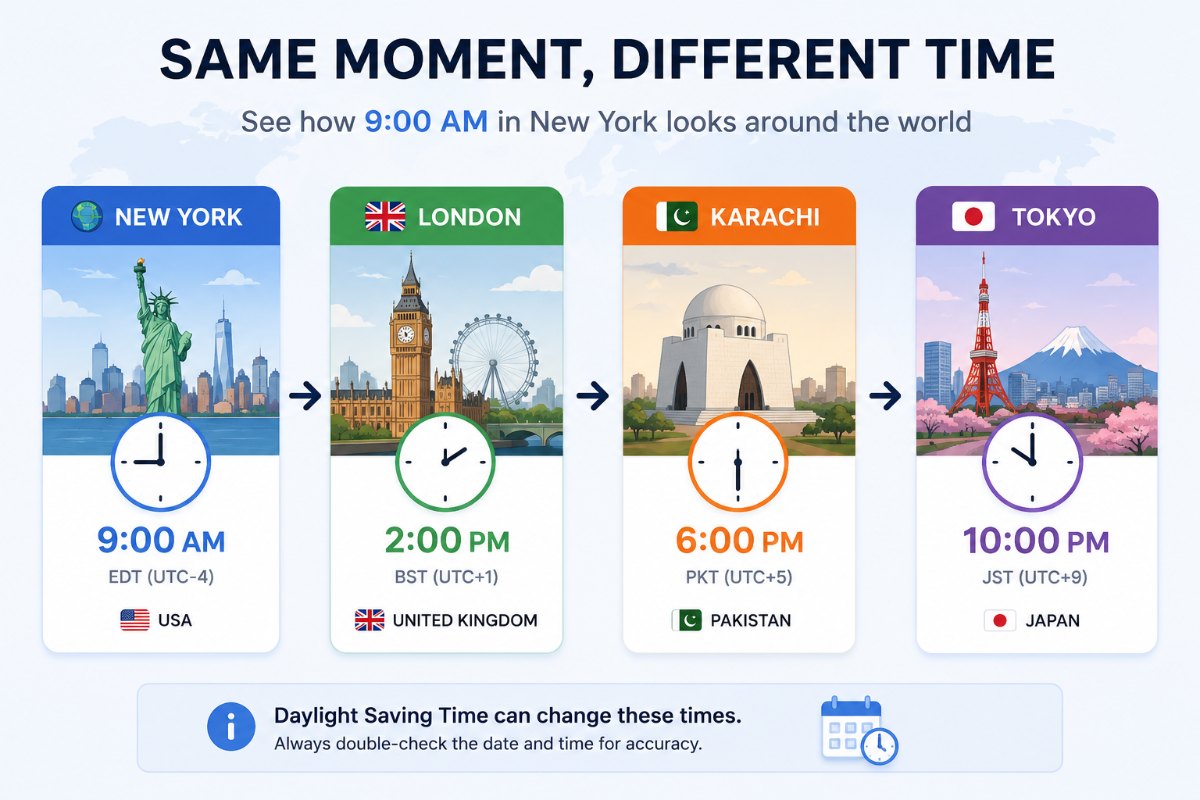
Time zones are much more complicated than simply adding or subtracting hours.
Several factors make conversions difficult:
Different countries use different UTC offsets.
Many countries observe Daylight Saving Time (DST).
DST starts and ends on different dates around the world.
Some regions use half-hour or even quarter-hour offsets.
Time zone abbreviations can look similar but represent different times.
For example:
ET can mean Eastern Time.
EST means Eastern Standard Time.
EDT means Eastern Daylight Time.
Searching for 12 PM ET to Pakistan and 12 PM EST to Pakistan can produce different answers depending on the time of year.
Common Problems People Face
Here are some situations where incorrect time conversion causes problems.
Missing Remote Meetings
Many people accidentally join Zoom or Google Meet meetings one hour early or late.
Missing Job Interviews
International interviews often use another country's local time.
Misunderstanding the timezone can mean missing the interview entirely.
Scheduling Client Calls
Freelancers and agencies regularly work with clients across multiple countries.
Incorrect conversions create confusion and reduce professionalism.
Live Events
Webinars, product launches, sports events, and live streams usually announce times in one timezone only.
Flight Planning
International flights often involve multiple time zones, making accurate conversion essential.
Why Google Searches Can Be Misleading
Google is helpful, but it isn't always enough.
People usually search:
9 AM ET in Pakistan
London time now
PST to UTC
New York time today
These searches work only for one conversion.
If you need to compare five cities, or schedule recurring meetings, searching repeatedly becomes frustrating.
Google also doesn't always explain why the conversion changed after daylight saving.
A dedicated converter solves this instantly.
Use a Time Zone Converter Instead
Instead of searching Google every time, use a proper converter.
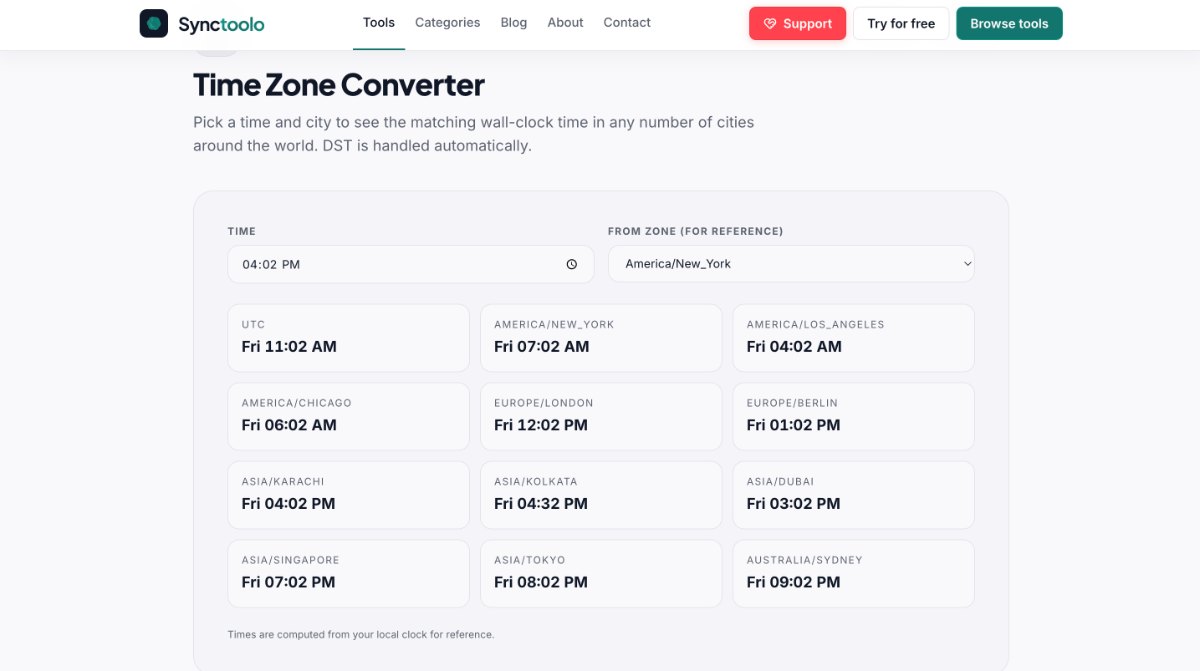
With Synctoolo's Time Zone Converter, you can:
Compare more than 300 cities.
Automatically handle daylight saving time.
View multiple locations simultaneously.
Switch between 12-hour and 24-hour formats.
Find overlapping working hours for remote teams.
Whether you're planning meetings, interviews, or travel, everything stays accurate.
How to Use Synctoolo Time Zone Converter
Using the tool only takes a few seconds.
Step 1
Choose your home city or timezone.
Step 2
Select the meeting time.
Step 3
Add every city you want to compare.
Step 4
Instantly view the local time for every participant.
No manual calculations.
No confusing abbreviations.
No missed meetings.
Common Time Zone Abbreviations
Abbreviation | Meaning |
|---|---|
UTC | Coordinated Universal Time |
GMT | Greenwich Mean Time |
ET | Eastern Time |
EST | Eastern Standard Time |
EDT | Eastern Daylight Time |
PT | Pacific Time |
PST | Pacific Standard Time |
PDT | Pacific Daylight Time |
Understanding these abbreviations helps avoid common mistakes.
Tips to Avoid Time Zone Mistakes
Always include the timezone when sending invitations.
Confirm whether daylight saving time is active.
Use UTC when communicating globally.
Double-check recurring meetings after DST changes.
Use a dedicated converter instead of calculating manually.
Who Should Use a Time Zone Converter?
This tool is useful for:
Remote employees
Freelancers
Software developers
Digital agencies
HR recruiters
International students
Travelers
Event organizers
Gamers
Content creators
Anyone communicating across countries can benefit from accurate time conversion.
Final Thoughts
Working across different time zones shouldn't be stressful.
Instead of repeatedly searching Google for individual conversions and risking mistakes, use a dedicated tool built specifically for international scheduling.
Whether you're joining a client meeting, attending an interview, planning a webinar, or coordinating a global team, Synctoolo Time Zone Converter helps you convert time accurately in seconds.
👉 Try the free Time Zone Converter now and schedule meetings with confidence.
We build and review free, privacy-first tools at Synctoolo.
Keep reading
Confused about UTC and GMT? Learn the difference between UTC vs GMT, when each is used, how daylight saving time affects them, and how to convert time accurately using a free time zone converter.

Learn how to create clean, readable, SEO-friendly URL slugs from titles and sentences. Discover why URL structure matters and how a free slug generator can save time.